1. Paste the job text
Paste the job text on the Draft a proposal page. The text is required and is what BidRunner reads. The link is optional: it only powers the Open on Upwork button, and BidRunner never opens it. A job invite you forward to your private BidRunner address lands in Review the same way.
2. Read the verdict
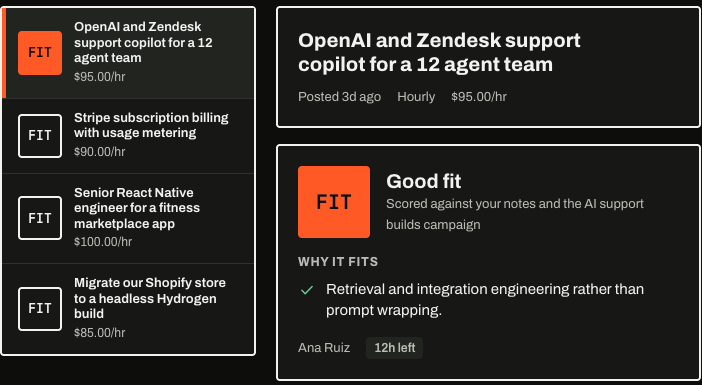
You get a fit or a not a fit, with the reasons in plain words, the reasons to pass included. A pass saves you the connects, and you can disagree with it.
3. Edit the draft
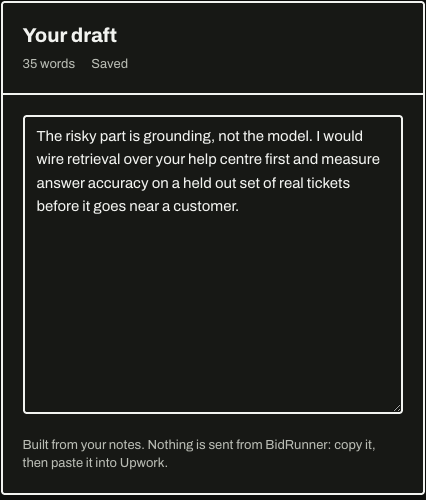
The draft is written from your knowledge base: your overview, offerings, past work, pricing and boundaries. It answers the questions the client asked. Change anything you like.
4. Copy it and send it on Upwork
Copy the draft, paste it into your proposal on Upwork, and send it under your name. Sending is always your step.
What BidRunner keeps
The job text you paste, the verdict and the draft, and your knowledge base. Job text is kept until you ask us to delete it. A 24 hour deletion is planned and is not switched on yet. What we store, and for how long.